> ## Documentation Index
> Fetch the complete documentation index at: https://docs.upsolve.ai/llms.txt
> Use this file to discover all available pages before exploring further.
# Interact with Analytics Agents
> What using the agent looks like from the end user's side — feedback, sharing, favorites and canvases.
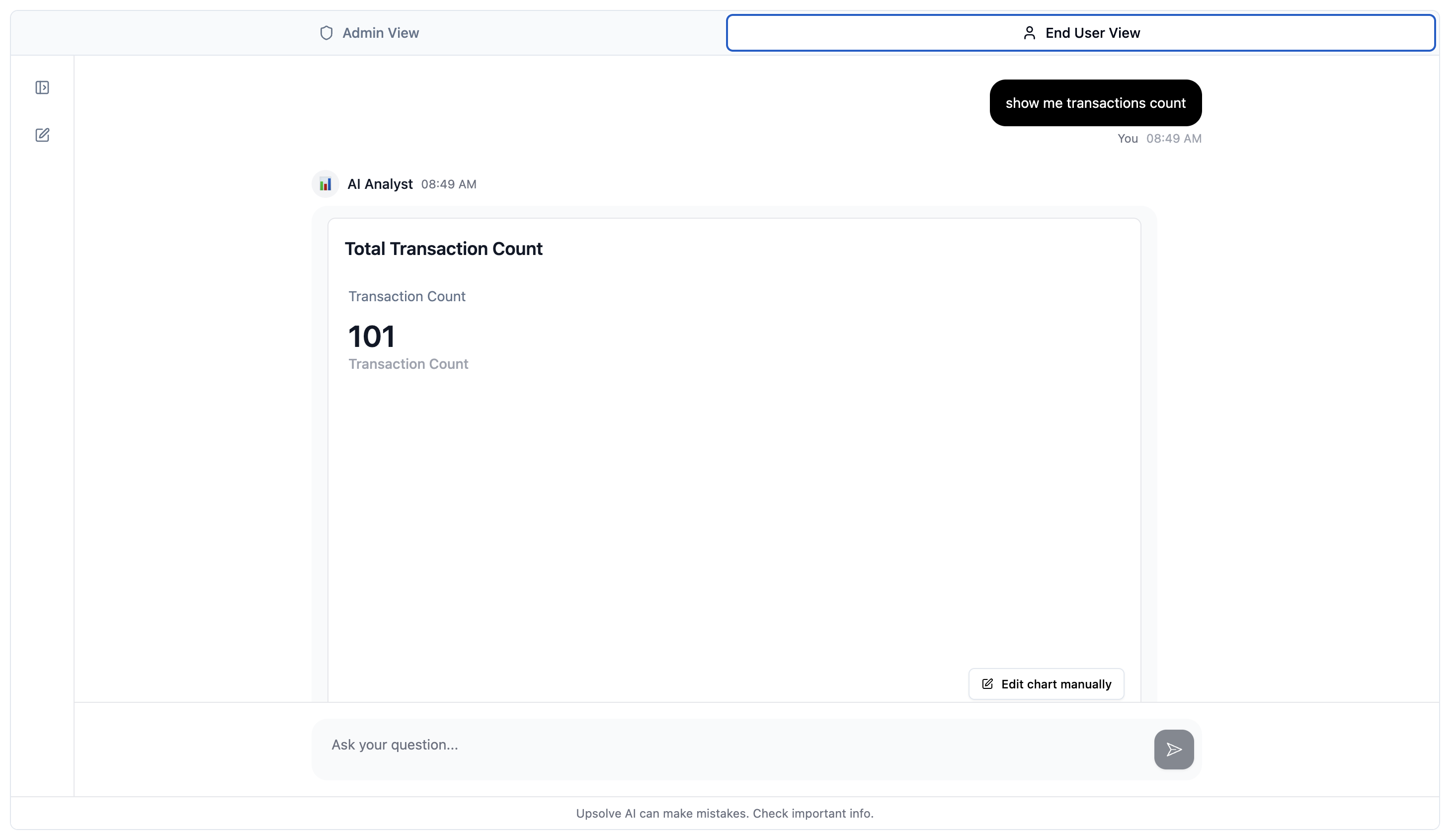
The pages before this one are about building an agent: giving it data, encoding your context, deploying it, and watching how it performs. This section is about the other side of that deployment — what your end users actually do once the agent is in front of them.
An analytics agent is not a one-shot question box. Users ask a question, get a chart, and then want to keep it: tell you whether the answer was good, send it to a colleague, save it for next week, and eventually assemble the good ones into something that looks like a dashboard they built themselves. Upsolve ships that whole loop, and each part of it feeds back into the [observability](/ai-agent-builder/agent-observability) surfaces you use to improve the agent.
 ## The loop
Thumbs up and thumbs down on any answer, with a structured feedback form when something was wrong.
Turn one answer, or a whole conversation, into a link anyone can open.
Save a chart or query, come back to it later, and pick the conversation back up where it left off.
Arrange favorites into a live or snapshot board and share it privately, org-wide, or publicly.
## Where these features are available
Everything in this section works in the three places an agent runs:
* **Agent Studio** — while you're building and testing, so you can try the end-user experience yourself before shipping it.
* **Embedded in your product** — the [embedded agent](/ai-agent-builder/deploy-agents/frontend-setup) exposes the same feedback, sharing, favorites and canvas surfaces to your users, scoped to their tenant.
* **Shared links** — a shared analysis or a public canvas opens for someone who has no Upsolve account at all.
**Favorites** and **Canvas** are currently marked **Beta** in the product. They are functional and in production use, but the surface is still moving — expect refinements.
## Why it matters for the builder
Each of these surfaces is also a signal:
* Feedback lands in the **Feedback** column of [Chat History](/ai-agent-builder/chat-history), next to the automated evaluations, so you can compare what users think with what the evaluators think.
* A favorited chart is a user telling you which answers are worth keeping — good raw material for a [Golden Chart](/ai-agent-builder/golden-assets).
* A conversation that gets shared or forked repeatedly is a question your agent should be answering well every time.
## The loop
Thumbs up and thumbs down on any answer, with a structured feedback form when something was wrong.
Turn one answer, or a whole conversation, into a link anyone can open.
Save a chart or query, come back to it later, and pick the conversation back up where it left off.
Arrange favorites into a live or snapshot board and share it privately, org-wide, or publicly.
## Where these features are available
Everything in this section works in the three places an agent runs:
* **Agent Studio** — while you're building and testing, so you can try the end-user experience yourself before shipping it.
* **Embedded in your product** — the [embedded agent](/ai-agent-builder/deploy-agents/frontend-setup) exposes the same feedback, sharing, favorites and canvas surfaces to your users, scoped to their tenant.
* **Shared links** — a shared analysis or a public canvas opens for someone who has no Upsolve account at all.
**Favorites** and **Canvas** are currently marked **Beta** in the product. They are functional and in production use, but the surface is still moving — expect refinements.
## Why it matters for the builder
Each of these surfaces is also a signal:
* Feedback lands in the **Feedback** column of [Chat History](/ai-agent-builder/chat-history), next to the automated evaluations, so you can compare what users think with what the evaluators think.
* A favorited chart is a user telling you which answers are worth keeping — good raw material for a [Golden Chart](/ai-agent-builder/golden-assets).
* A conversation that gets shared or forked repeatedly is a question your agent should be answering well every time.