> ## Documentation Index
> Fetch the complete documentation index at: https://docs.upsolve.ai/llms.txt
> Use this file to discover all available pages before exploring further.
# RLS & Schema Filtering
> Control data access with row-level security and schema-based isolation
## Overview
Row-level security (RLS) and schema filtering ensure each user only sees their relevant data. Access is scoped by the user's **organization** and **properties**, which are set when you register users via the [project user flow](/embedded-bi/data-permissioning/project-user-registration-flow) (see [Backend Setup](/embedded-bi/deploy-dashboards/backend-setup)).
Upsolve supports two complementary mechanisms:
* **Schema-level filtering** — isolate users to a separate database/schema (maximum isolation).
* **Column pre-filtering** — filter rows within a shared schema using user/organization properties (flexible, fine-grained).
These can be used independently or combined for defense in depth. For writing property-based filter rules in your data model, see the [Row-Level Security guide](/ai-agent-builder/rls).
## Schema-Level Filtering
Isolates users to separate database schemas/databases. When a user has a schema prefilter configured, all SQL queries for that user are rewritten to reference tables from their designated schema/database instead of the default.
* **When to use**: Complete data separation, compliance requirements, performance isolation
* **Benefits**: Maximum security, database-level isolation
* **Example**: `customer_schema_1`, `tenant_db_123`
**Only applies when configured**: Schema-level filtering only affects users
who have a schema prefilter value set. Users without this configuration will
query the default schema. This lets you mix schema-based and column-based
isolation within the same connection.
### Supported Data Sources
| Data Source | Supported | How It Works |
| -------------- | --------- | --------------------------------------------------------------------------------------------------------------- |
| **MySQL** | ✅ | The schema prefilter value replaces the database name in all queries. MySQL treats databases as schemas. |
| **Clickhouse** | ✅ | The schema prefilter value replaces the database name. Clickhouse uses databases as schemas (similar to MySQL). |
| **Data Plane** | ✅ | The schema prefilter value is appended to or replaces the schema portion of multi-part identifiers. |
| Postgres | ❌ | Use Column Pre-Filtering instead |
| BigQuery | ❌ | Use Column Pre-Filtering instead |
| Snowflake | ❌ | Use Column Pre-Filtering instead |
| MS SQL | ❌ | Use Column Pre-Filtering instead |
### How Query Rewriting Works
When a user with a schema prefilter of `customer_db` runs a query, all table references are rewritten:
```sql theme={null}
-- Original query (references default database)
SELECT * FROM orders WHERE status = 'active'
-- Rewritten query (references the user's database)
SELECT * FROM customer_db.orders WHERE status = 'active'
```
This ensures complete isolation—the user cannot access tables outside their designated database.
### Connection Configuration for Schema-Based Isolation
When using schema-based isolation, configure your connection with a **Default Schema**. This setting:
1. **Filters metadata**: Only tables from the specified database/schema are included when computing metadata. Your catalog will show tables as `A`, `B`, `C` instead of `(schema_one) A`, `(schema_one) B`, `(schema_two) A`, etc.
2. **Sets the default for admins**: Admin users (those without a schema prefilter) will query from this default database.
3. **Falls back for users without a schema**: Users that don't have a schema prefilter configured will also use this default database.
Go to **Connect** → Select your connection → **Edit**
Configure the default database for schema-based isolation: - **MySQL**: Enter
the database name in the **Default Database (for Database Tenancy)** field -
**Clickhouse**: Enter the database name in the **Default Database (for
Database Tenancy)** field - **Data Plane**: Enable schema-based tenancy and
select the **Default Schema** from the dropdown
After setting the default database/schema, click **Compute Metadata** to
recompute the table catalog. The metadata will now only include tables from
your specified database.
Set each organization's (or user's) schema prefilter to their specific
database name. Each user will only see data from their designated database.
**Important**: If you have multiple databases with identically-named tables
(e.g., `tenant_a.orders` and `tenant_b.orders`), you must set a Default Schema
on your connection. Otherwise, metadata computation will rename tables to
avoid conflicts (e.g., `(tenant_a) orders`, `(tenant_b) orders`), which will
break schema-based isolation.
## Column Pre-Filtering
Filters data using column values within shared schemas. Filters are derived from the user's and organization's properties, so each user only sees rows matching their own values.
* **When to use**: Shared database with per-customer identifiers, flexible multi-column filtering
* **Benefits**: Granular control, multiple filter combinations
* **Example**: `customer_id = 'user_123'` AND `region = 'us-east'`
Column pre-filters are expressed as RLS rules in your data model using `{{user.propertyName}}` and `{{organization.propertyName}}` placeholders. See the [Row-Level Security guide](/ai-agent-builder/rls) for the full rule syntax, examples, and testing workflow.
## Configuring Data Isolation
Schema prefilters and properties are set when you register organizations and users (see [Backend Setup](/embedded-bi/deploy-dashboards/backend-setup) and the [Project User Registration Flow](/embedded-bi/data-permissioning/project-user-registration-flow)), or managed afterward in the Hub:
* **Organization properties** apply to every user in the organization — ideal for customer-level isolation (e.g. `company_id`).
* **User properties** apply to a single user — ideal for fine-grained access within an organization (e.g. `region`, `department`).
* **Schema prefilter** assigns a user/organization to a dedicated database/schema.
### Validation Rules
* Either schema filtering OR column pre-filtering should be configured for isolated access.
* **Warning**: No filtering and no schema prefilter = admin access to all data.
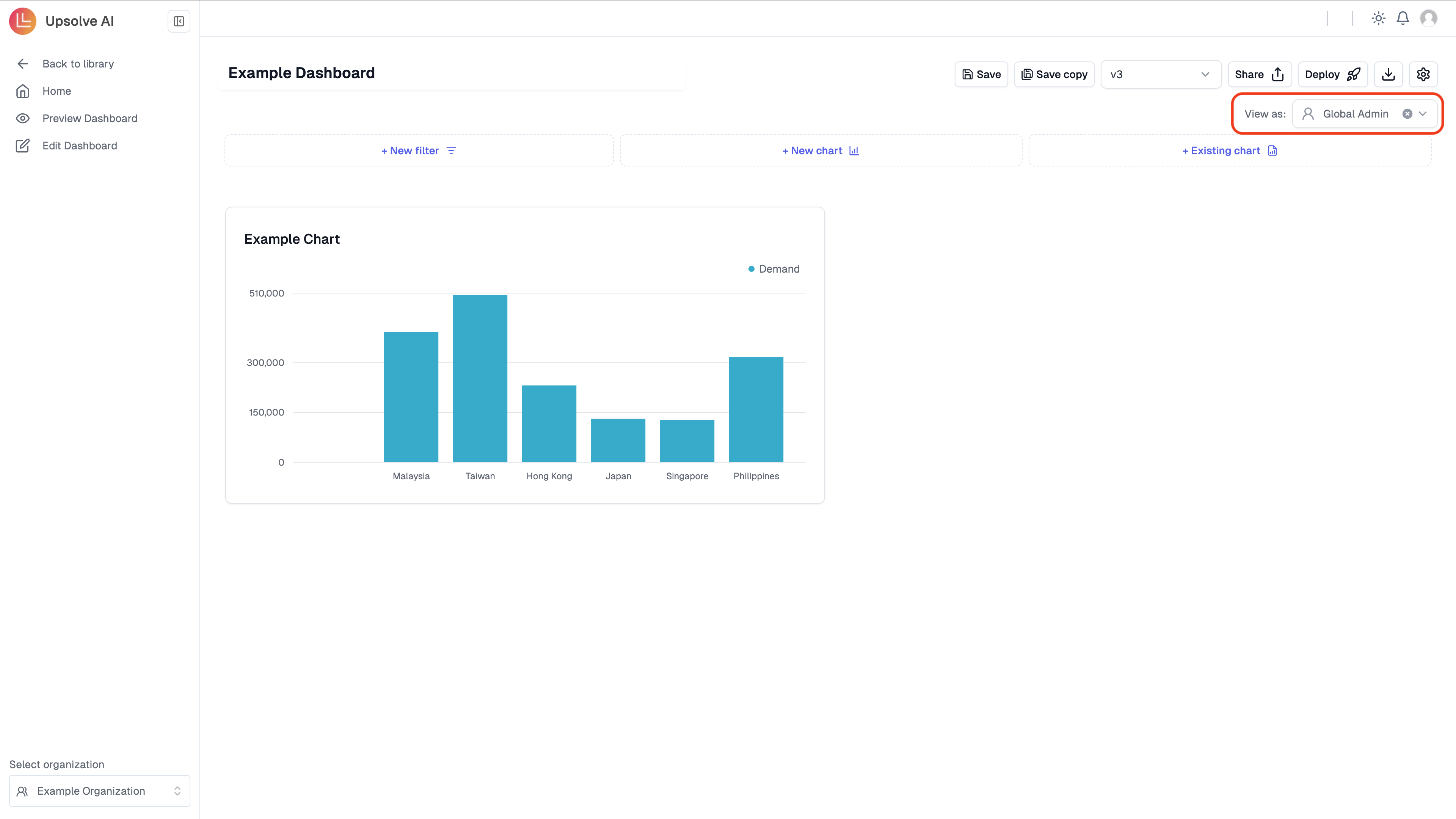
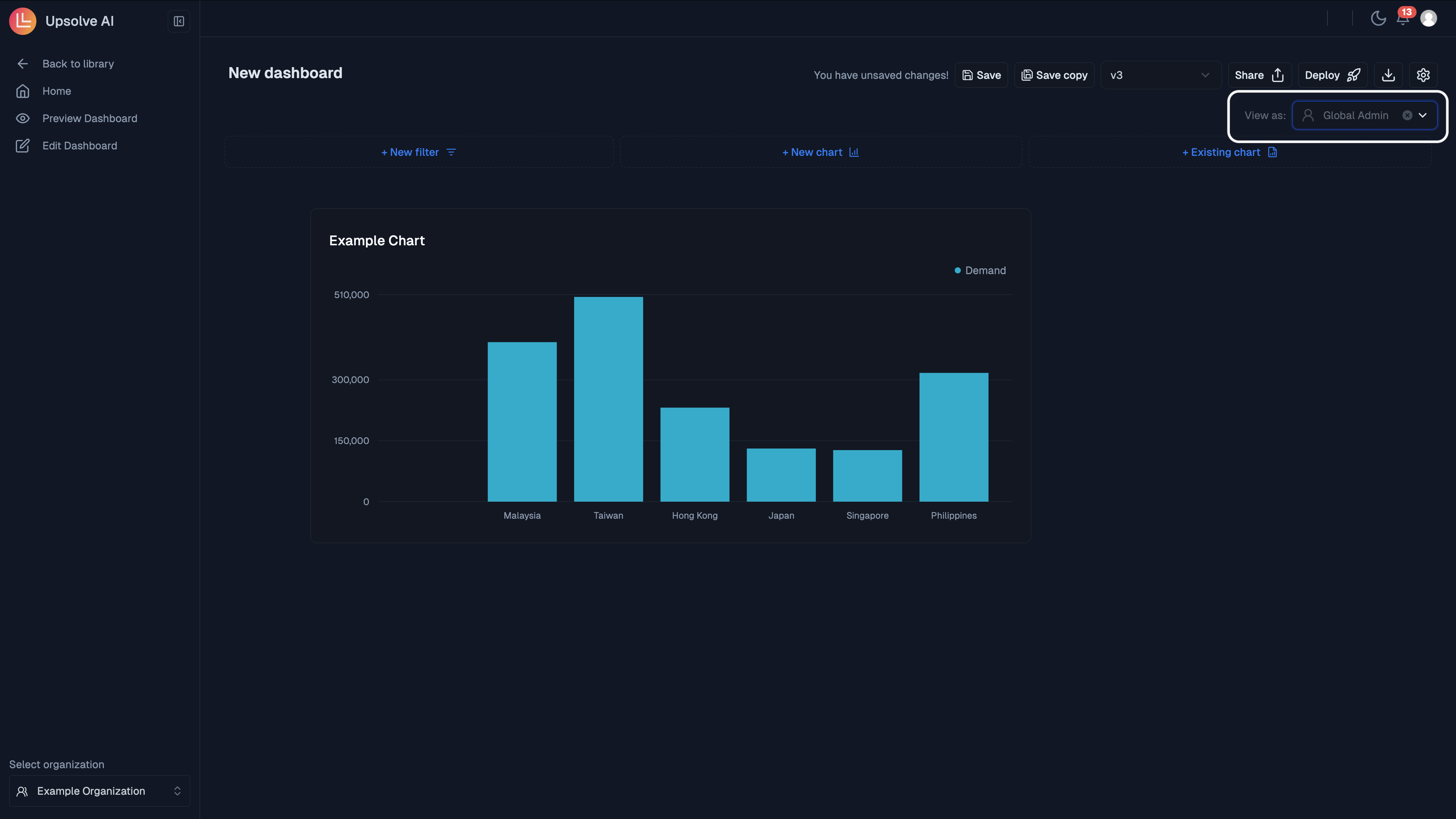
## Preview Mode
Test isolation configurations by previewing dashboards as a specific user.
 ## Best Practices
* **Index Column Pre-Filter columns** for performance
* **Grant minimal access** required
* **Validate all isolation configurations** to prevent unintended admin access
* **Schema filtering** generally performs better than complex Column Pre-Filtering
* **Regular audits** of user properties and access
## Best Practices
* **Index Column Pre-Filter columns** for performance
* **Grant minimal access** required
* **Validate all isolation configurations** to prevent unintended admin access
* **Schema filtering** generally performs better than complex Column Pre-Filtering
* **Regular audits** of user properties and access