> ## Documentation Index
> Fetch the complete documentation index at: https://docs.upsolve.ai/llms.txt
> Use this file to discover all available pages before exploring further.
# Mailchimp Marketing
> Discover a seamless integration process! Learn how to connect Mailchimp Marketing to Upsolve effortlessly for streamlined transactions.
This article guides you through the process of connecting Mailchimp Marketing to Upsolve, allowing you to seamlessly access your Mailchimp Marketing data within the Upsolve platform.
## Prerequisites
Follow the steps below to connect it.
1. Navigate to the data model page in Upsolve.
2. In the side menu bar, click the "New Data Source" button to initiate the connection process.
3. In the modal, select "Mailchimp Marketing" as your data source.
4. Enter a name for your data source and click the "Signing in to Mailchimp Marketing" button.
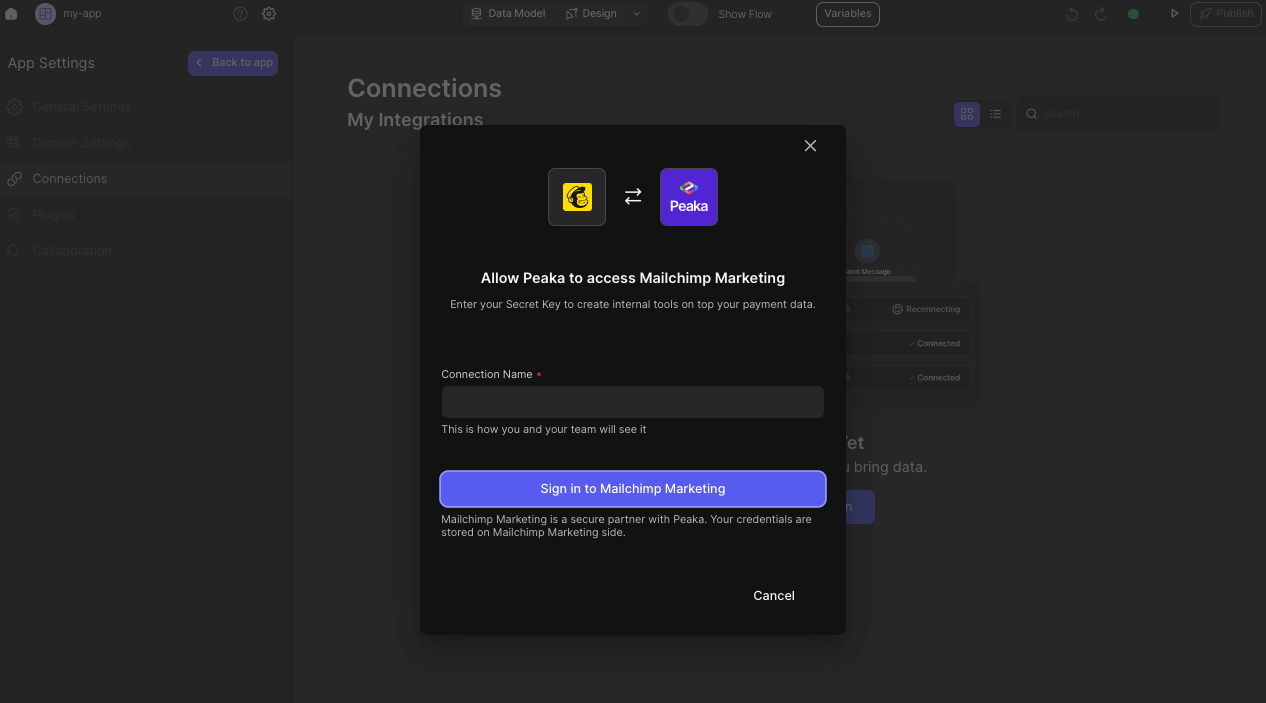 5. Once clicking, it will open a modal for logging in to your Mailchimp account.
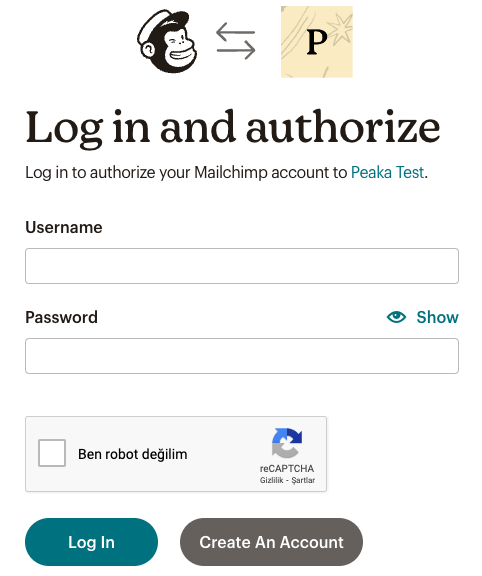 6. In the Mailchimp login modal, enter your Mailchimp credentials
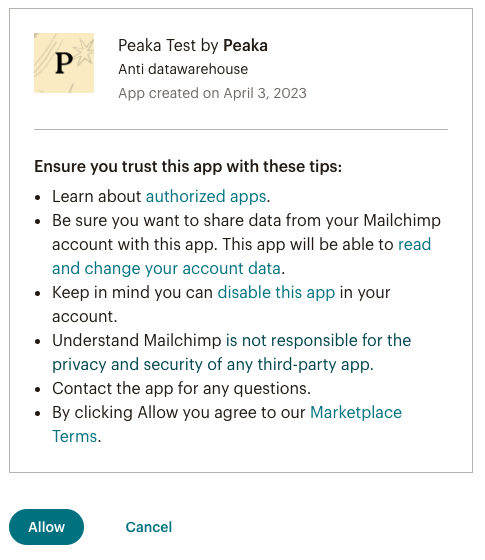
7. After logging in, you will be asked to allow Upsolve access to your Mailchimp Marketing account. Click the "Allow" button to proceed.
6. In the Mailchimp login modal, enter your Mailchimp credentials
7. After logging in, you will be asked to allow Upsolve access to your Mailchimp Marketing account. Click the "Allow" button to proceed.
 Congratulations! You've successfully connected Mailchimp Marketing to Upsolve. You can now access and manage your Jira data seamlessly within the Upsolve platform.