Customization Overview
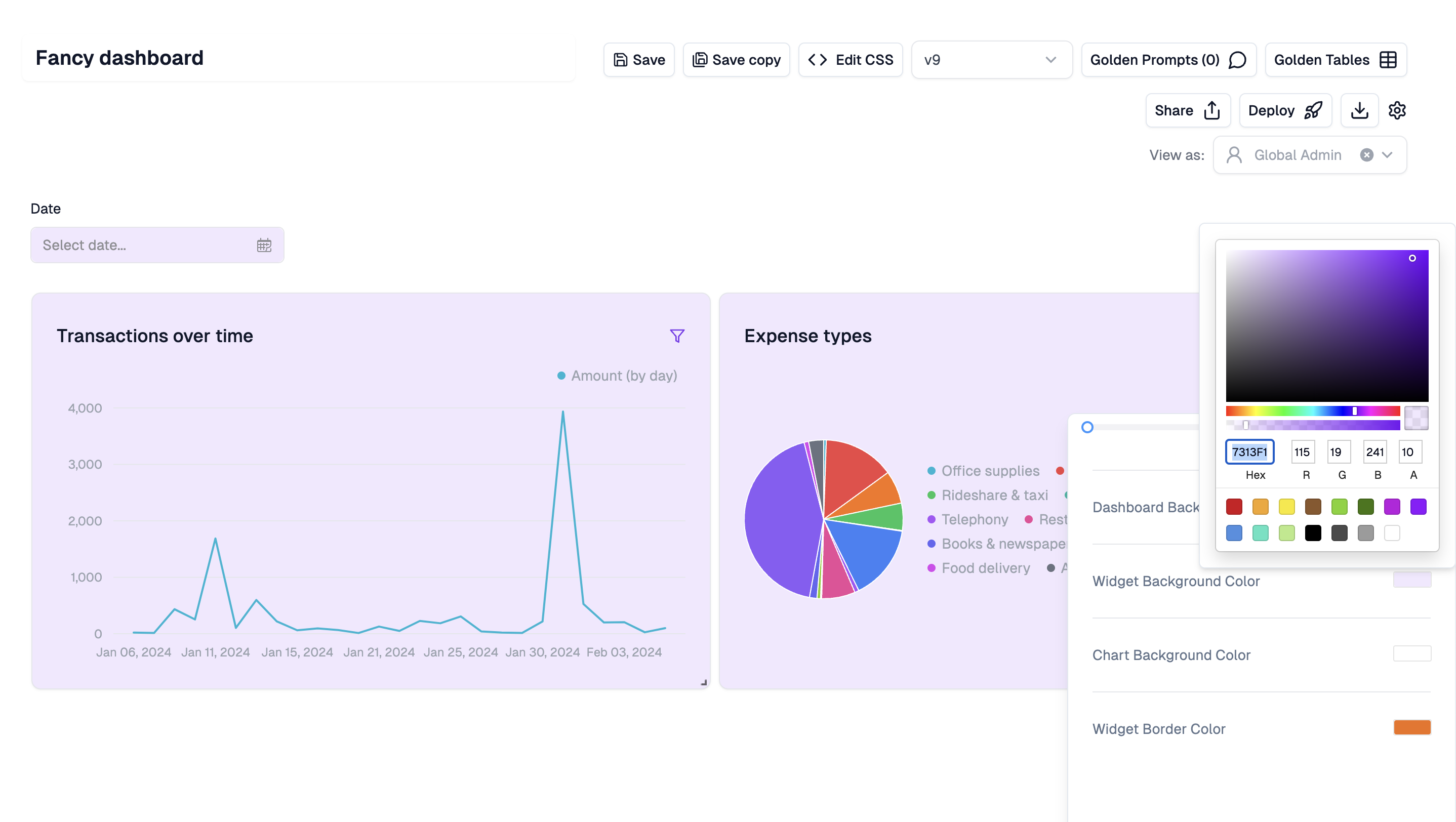
To customize your dashboard, you may use the point & click theme editor in the Hub, or pass a theme configuration directly to your embed.Point & click editor
In the Upsolve Hub, you can use the theme editor to quickly set colors, fonts, border widths, etc. Anything you save here will automatically propagate into your deployed dashboard, so you can iterate quickly without opening your IDE.