

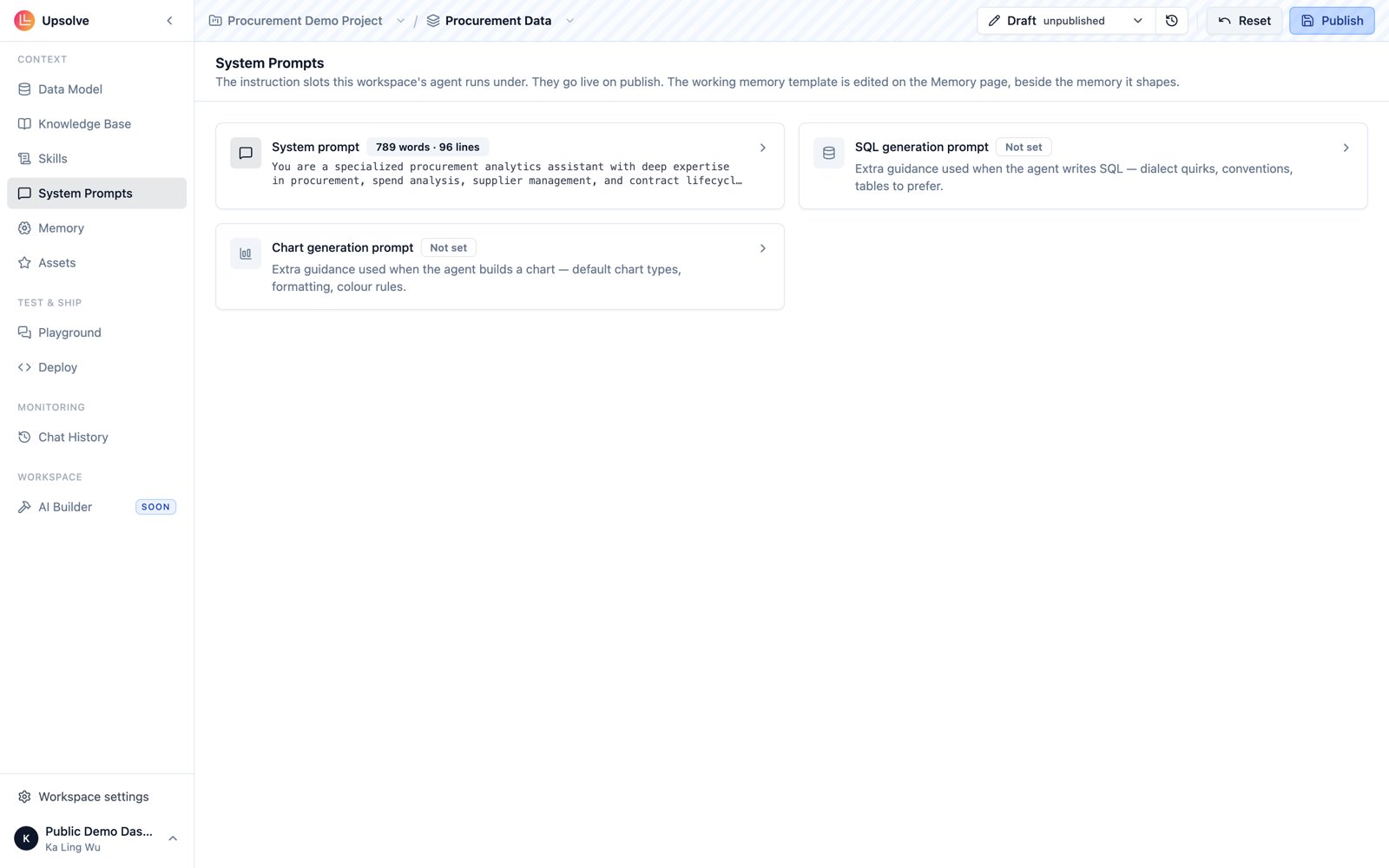
Agent system prompt
The custom system prompt is added to the general Upsolve agent system prompt. It shapes the agent’s overall behavior — its persona, its domain focus, and the business logic it should always apply. It’s the broadest of the three fields and the right place for: Business context and terminology Define the terms your team uses that don’t map directly to column names. If users ask about “revenue” but your underlying metric isgross_sales - refunds, say so here. If “active customers” has a specific definition in your business, encode it.
Edge cases and business rules
Describe situations the agent should handle in a particular way. For example: “When a user asks about quarterly performance, always use the fiscal quarter definition (Q1 starts February 1), not the calendar quarter.”
Behavioral guardrails
Set boundaries for what the agent should and shouldn’t do. For example: “Only answer questions about sales and revenue data. If a user asks about HR or payroll data, explain that this agent is scoped to revenue analytics.”
Tone and response style
Specify how the agent should communicate: level of detail in explanations, whether to proactively offer follow-up analysis, how to label charts, etc.
The system prompt is read on every query. Keep it focused — a tightly written 200–400 character prompt covering your most important rules will outperform a sprawling one that tries to cover every scenario. Use Golden Assets to handle specific question patterns instead.
SQL generation prompt
The custom SQL Generation Prompt is added to the general SQL generation system prompt and is injected specifically when the agent is constructing a SQL query. Use this to encode rules about how queries should be written against your specific database — things that are too technical for the main system prompt but critical for query accuracy. Good candidates for this field:- Date/time handling rules (“Always use
date_trunc('month', created_at)for monthly aggregations, notEXTRACT(MONTH FROM ...)”) - Schema-specific join logic (“The
orderstable must always be joined tocustomersviacustomer_uuid, notcustomer_id”) - Filtering defaults (“Always exclude test accounts where
is_internal = trueunless the user specifically asks about them”) - Performance hints (“Prefer filtering on
created_atrather thanupdated_atfor large table scans”)
Chart generation prompt
The custom Chart Generation Prompt is added to the general chart generation system prompt and is injected when the agent is building a visualization from query results. Use it to enforce formatting standards and chart conventions that should apply across all outputs. Examples of what belongs here:- Currency formatting (“If a field contains monetary values — price, revenue, cost, sales, profit — always format as USD with two decimal places”)
- Axis and label rules (“Always include a date range label in the chart title when the query is time-bounded”)
- List formatting (“When presenting bullet points or numbered lists in analysis text, do not add unnecessary line breaks between items”)
- Color or chart type preferences (“Use bar charts for comparisons between categories; use line charts for trends over time”)
The specialized prompts are additive in both directions — they layer on top of Upsolve’s built-in prompts and on top of your main system prompt, never replacing either. Put general behavioral rules in the main prompt and field-specific technical rules in the specialized prompts.
The fourth prompt: Working Memory Template
There is one more prompt field, and it lives somewhere else: the Working Memory Template, on the workspace’s Memory page rather than the System Prompts page. It defines how the agent records each end user’s preferences — chart types, time ranges, output formats — and is stored alongside the other prompts. The default template works for most agents. See User Memory for what it records and when to customize it.Next steps
Golden Assets
Add example queries and charts the agent references for common question patterns.
Data Model & Schema
Control which tables and columns the agent can access, and what they mean.
User Memory
Customize how the agent records each end user’s preferences.
Skills
Package longer procedures the agent loads on demand instead of always-on rules.
Knowledge Base
Move long-form reference material out of your prompts into searchable documents.
MCP as Context Source
Connect external tools and live systems as additional agent context.