

Prerequisites
Before you start, you will need an Personal Access Token from Airtable. Follow the steps below to obtain it:- Visit the Airtable website.
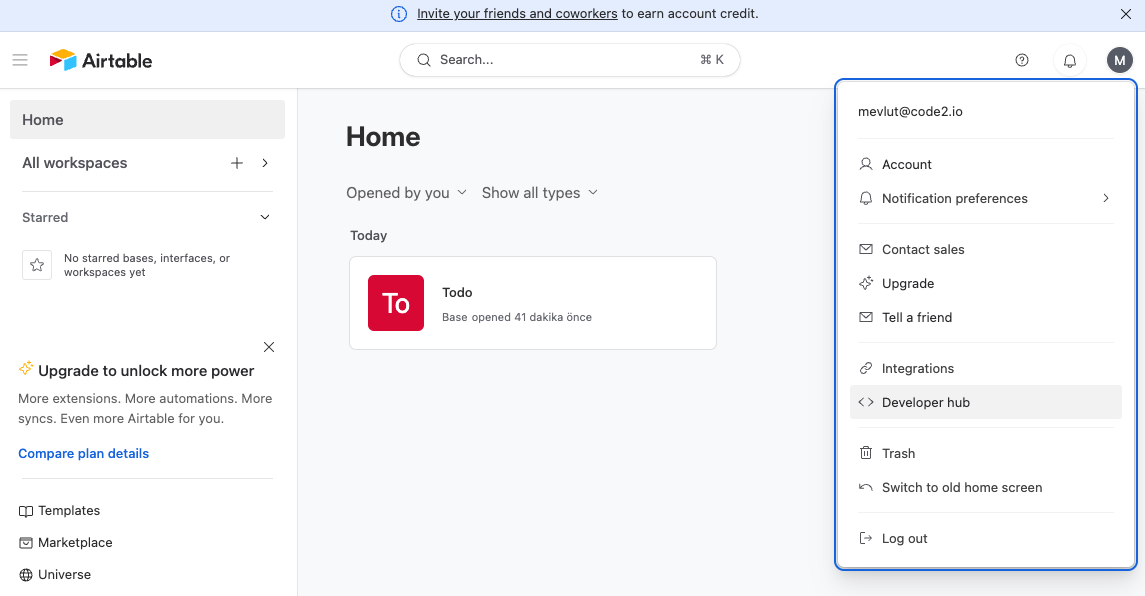
- Click on the “Developer Hub” button, as shown in the image below:
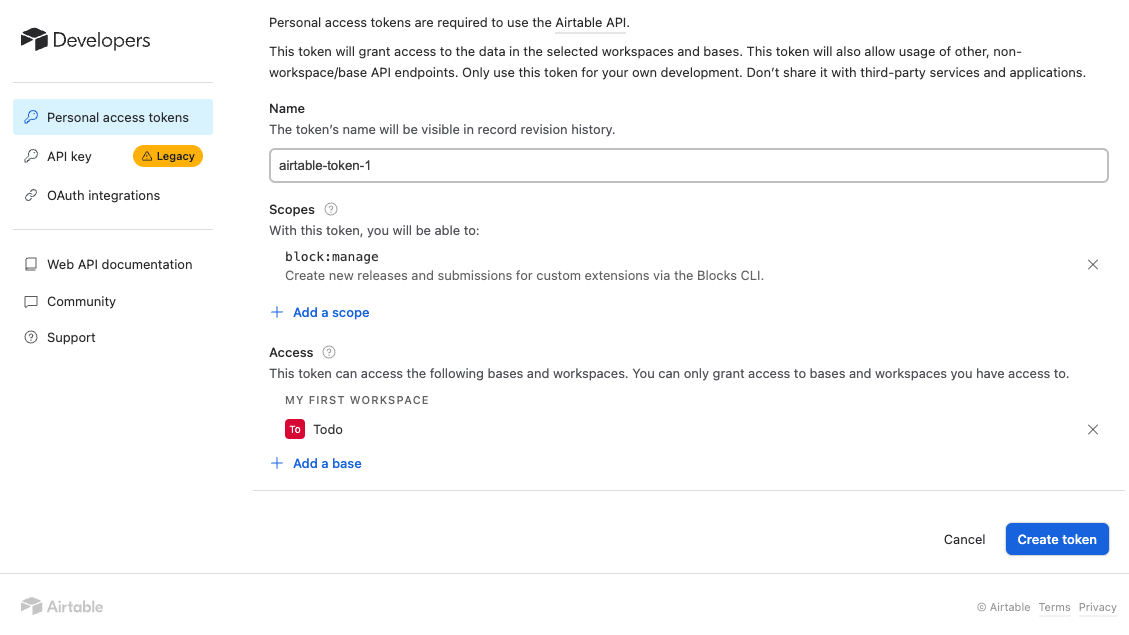
- Create an API Token by clicking the “Create Token” button. You can select the necessary scopes and workspaces for your integration:
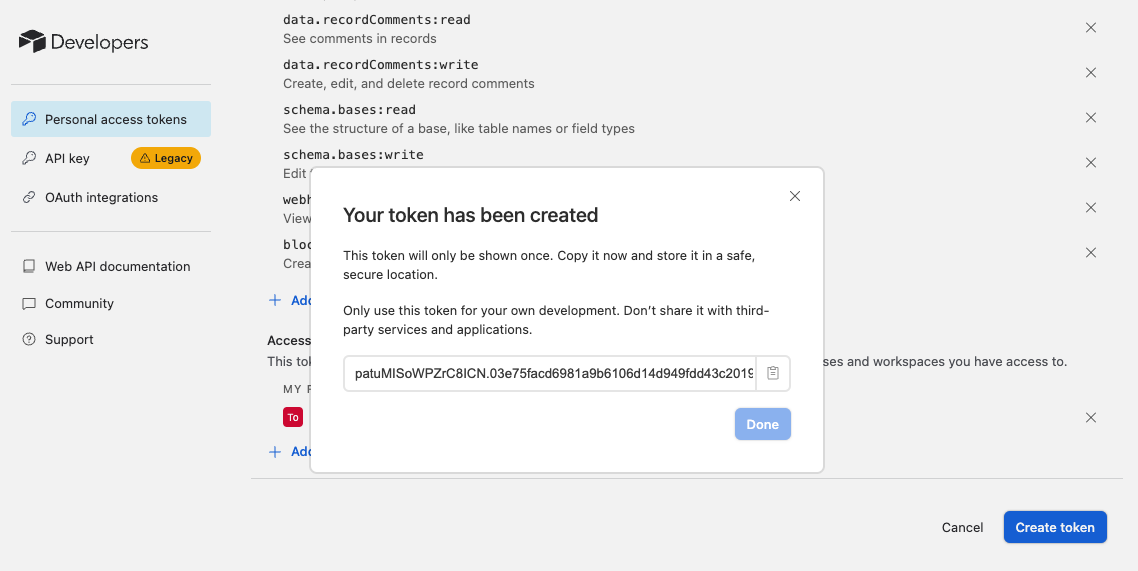
- Once the token is created, it will be displayed in a modal. Copy the API Token for later use:
Connecting Airtable to Upsolve
Now that you have your Airtable API Token, you can connect it to Upsolve using the following steps:- Navigate to your project in Upsolve and open Project settings → Connections.
- Select your data source from the Connect data cards to begin.
- The Airtable connection form opens with Airtable preselected.
- Enter a name for your data source name and paste the Airtable API Token into the “Personal Access Token” input field.
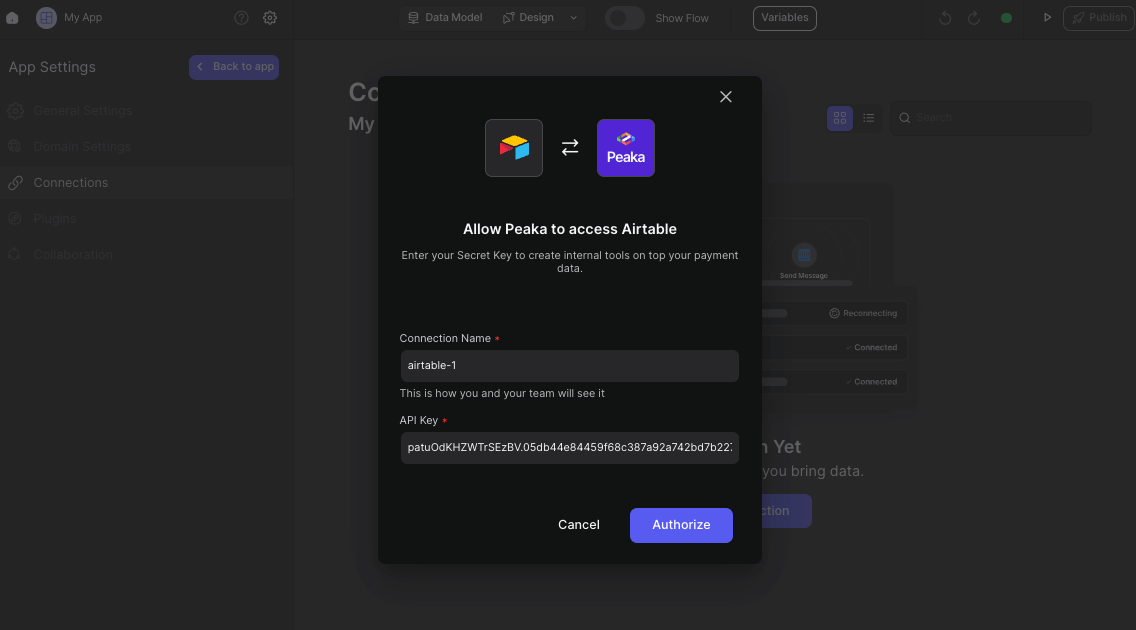
- Click “Test & Create Connection” to create your Airtable data source.