

Prerequisites
Before you start, you will need the following information from Weaviate.- Weaviate Server URL
- API Key
- To obtain Weaviate Server URL and API Key, check this article.
Connecting Weaviate to Upsolve
Now that you have obtained the necessary integration data and credentials, you can connect Weaviate to Upsolve using the following steps:- Navigate to your project in Upsolve and open Project settings → Connections.
- Select your data source from the Connect data cards to begin.
- The Weaviate connection form opens with Weaviate preselected.
- Enter a name for your data source and paste values that you got before.
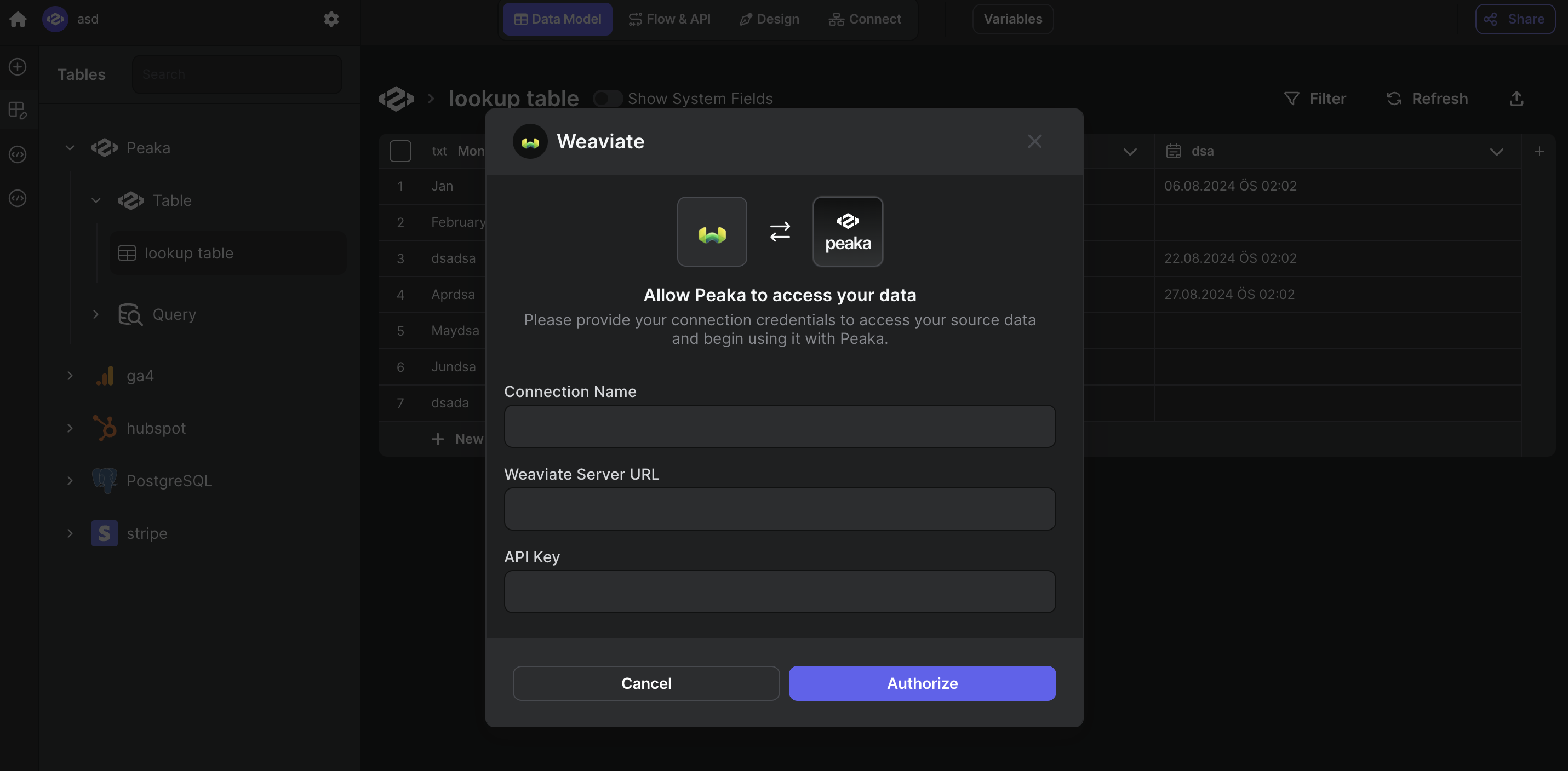
- Click “Test & Create Connection” to create your Weaviate data source.