

Prerequisites
Before you start, you will need the following information from Github.- Personal Access Token
- Organization Name
- To obtain get Personal Access Token, check this article.
- To obtain get Organization Name, check this article.
Connecting Github to Upsolve
Now that you have obtained the necessary integration data and credentials, you can connect Github to Upsolve using the following steps:- Navigate to your project in Upsolve and open Project settings → Connections.
- Select your data source from the Connect data cards to begin.
- The Github connection form opens with Github preselected.
- Enter a name for your data source, input the credentials you obtained in the previous steps.
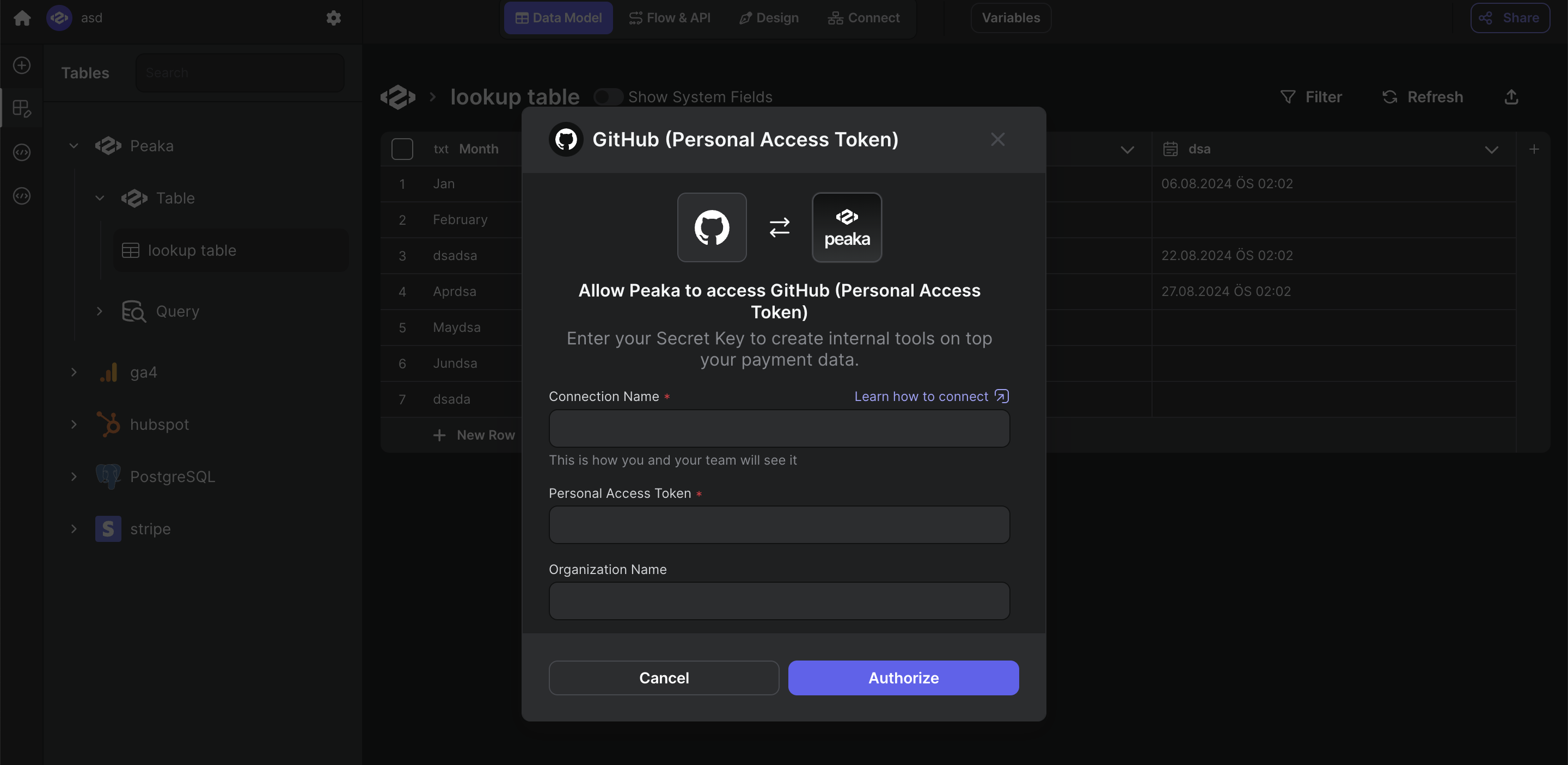
- Click “Test & Create Connection” to create your Github data source.