

Prerequisites
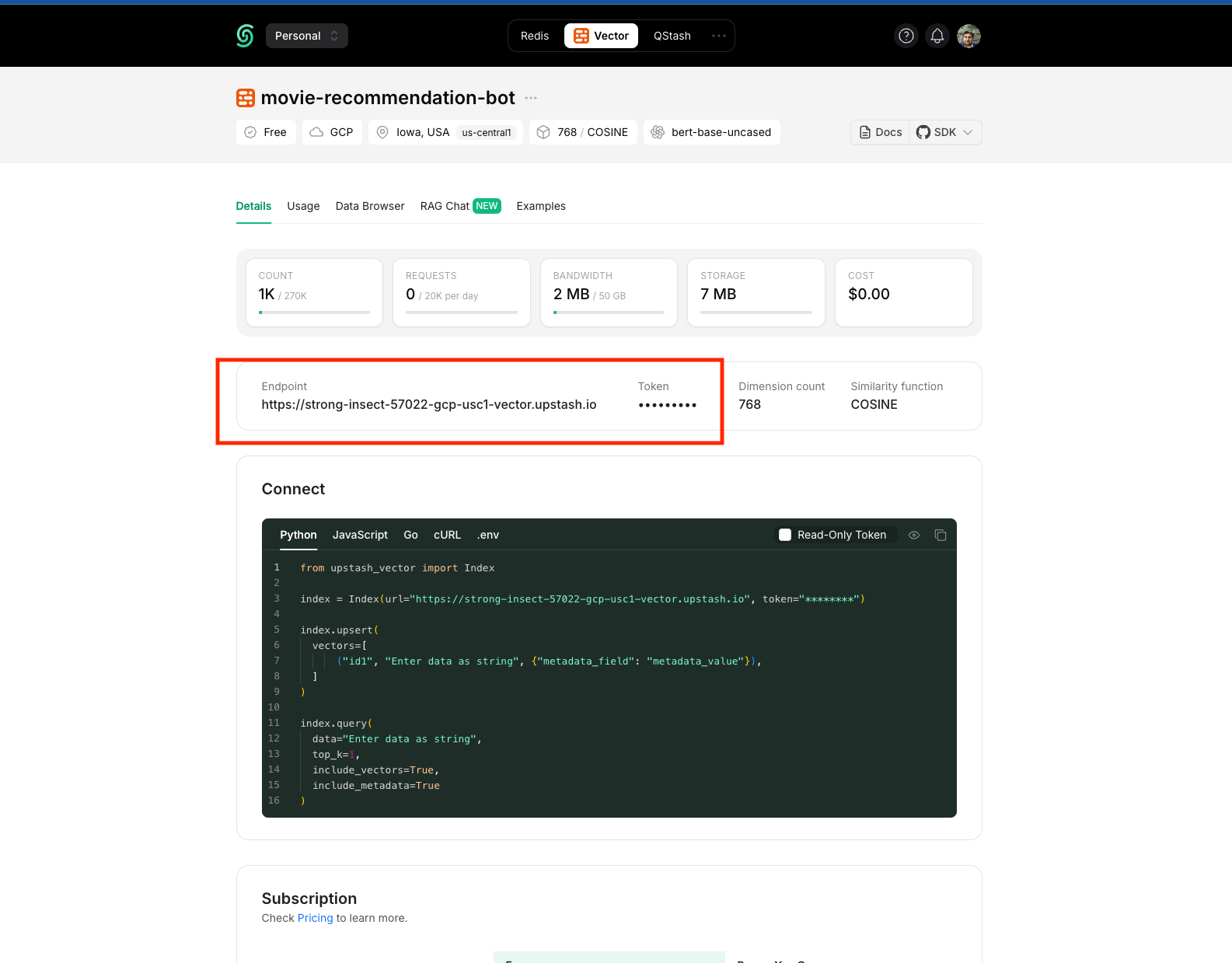
Before you start, you will need the following information from Upstash Vector.- Index Endpoint
- Token
- To obtain your Index Endpoint and Token, navigate to the project dashboard. If you don’t have an existing Upstash Vector project, create a new one to access these credentials.
Connecting Upstash Vector to Upsolve
Now that you have obtained the necessary integration data and credentials, you can connect Upstash Vector to Upsolve using the following steps:- Navigate to your project in Upsolve and open Project settings → Connections.
- Select your data source from the Connect data cards to begin.
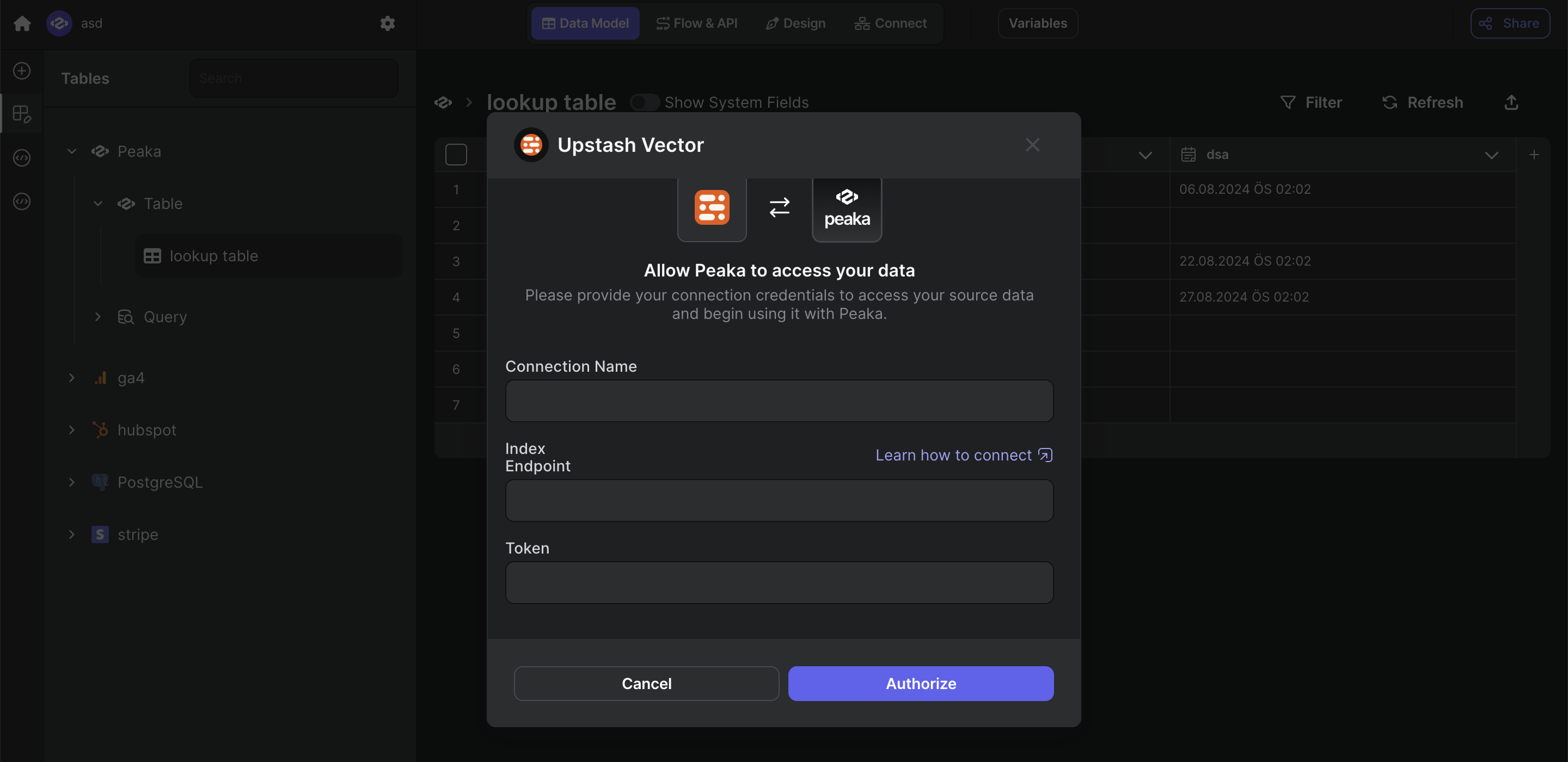
- The Upstash Vector connection form opens with Upstash Vector preselected.
- Enter a name for your data source and paste values that you got before.
- Click “Test & Create Connection” to create your Upstash Vector data source.