

Prerequisites
Before you start, you will need an API Key from ProfitWell. Follow the steps below to obtain it:- Go to this link to create or obtain your ProfitWell API Key or private token.
- Copy your private token for use in the integration.
Connecting ProfitWell to Upsolve
Now that you have your requirements, you can connect it to Upsolve using the following steps:- Navigate to your project in Upsolve and open Project settings → Connections.
- Select your data source from the Connect data cards to begin.
- The ProfitWell connection form opens with ProfitWell preselected.
- Enter your data source name and API Key.
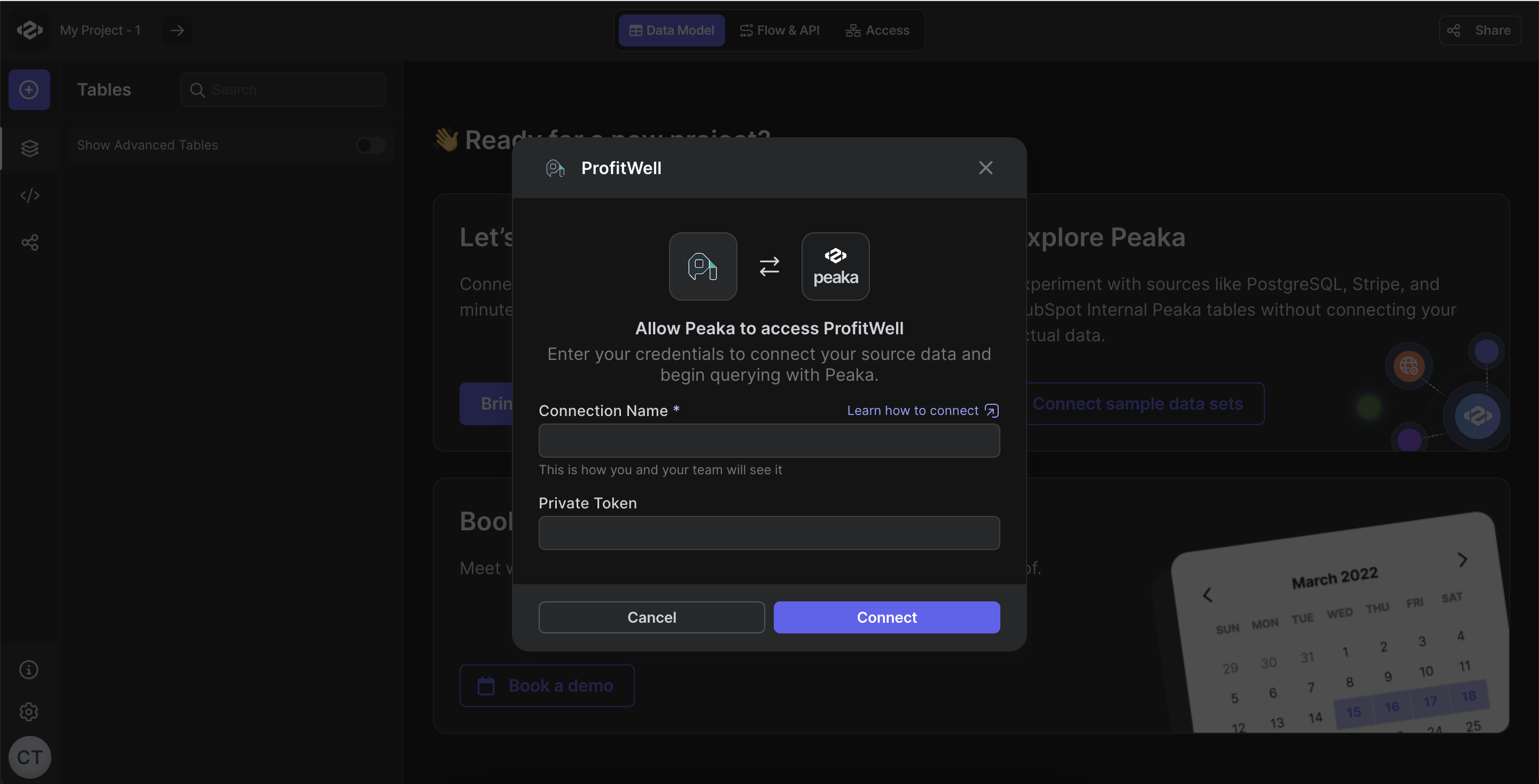
- Click “Test & Create Connection” to create your ProfitWell data source.