

- Navigate to your project in Upsolve and open Project settings → Connections.
- Select your data source from the Connect data cards to begin.
- The Slack connection form opens with Slack preselected.
- Enter a name for your data source.
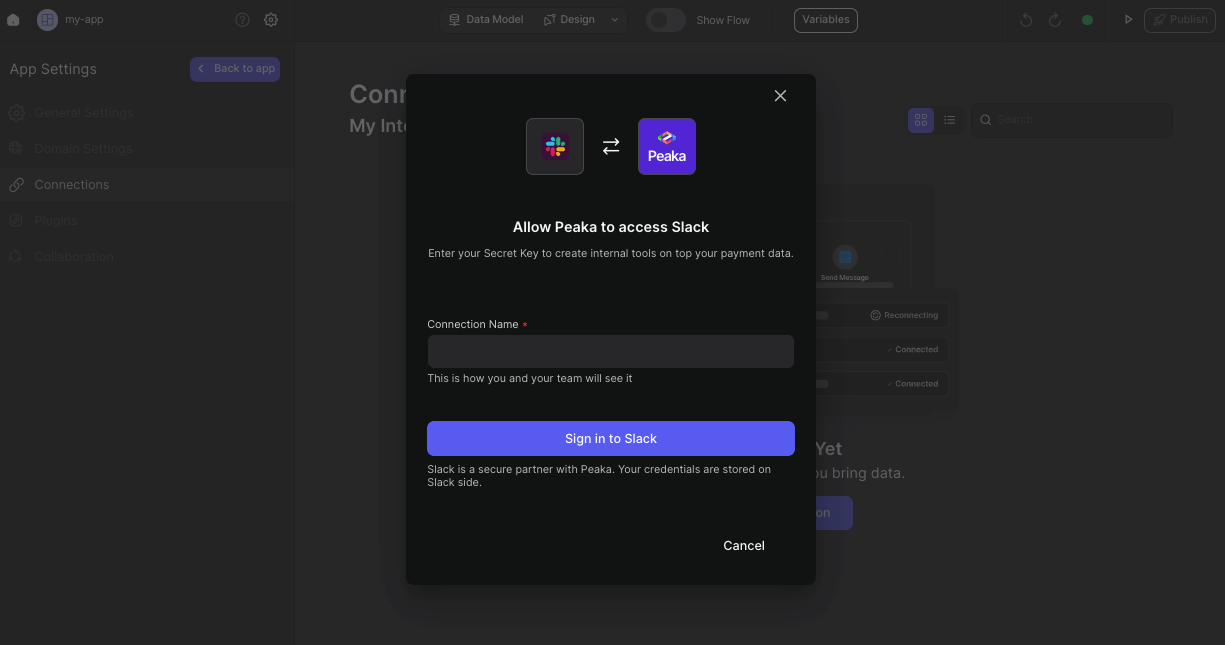
- Click the “Signing in to Slack” button. This will open a modal to allow Upsolve access to your Slack account.
- It will open a modal to grant permission to Upsolve.
 Congratulations! You’ve successfully created a new data source between Slack and Upsolve. You can now access and manage your Slack data seamlessly within the Upsolve platform.