

Prerequisites
Follow the steps below to connect it.- Navigate to your project in Upsolve and open Project settings → Connections.
- Select your data source from the Connect data cards to begin.
- In the modal, select “Mailchimp Marketing” as your data source.
- Enter a name for your data source and click the “Signing in to Mailchimp Marketing” button.
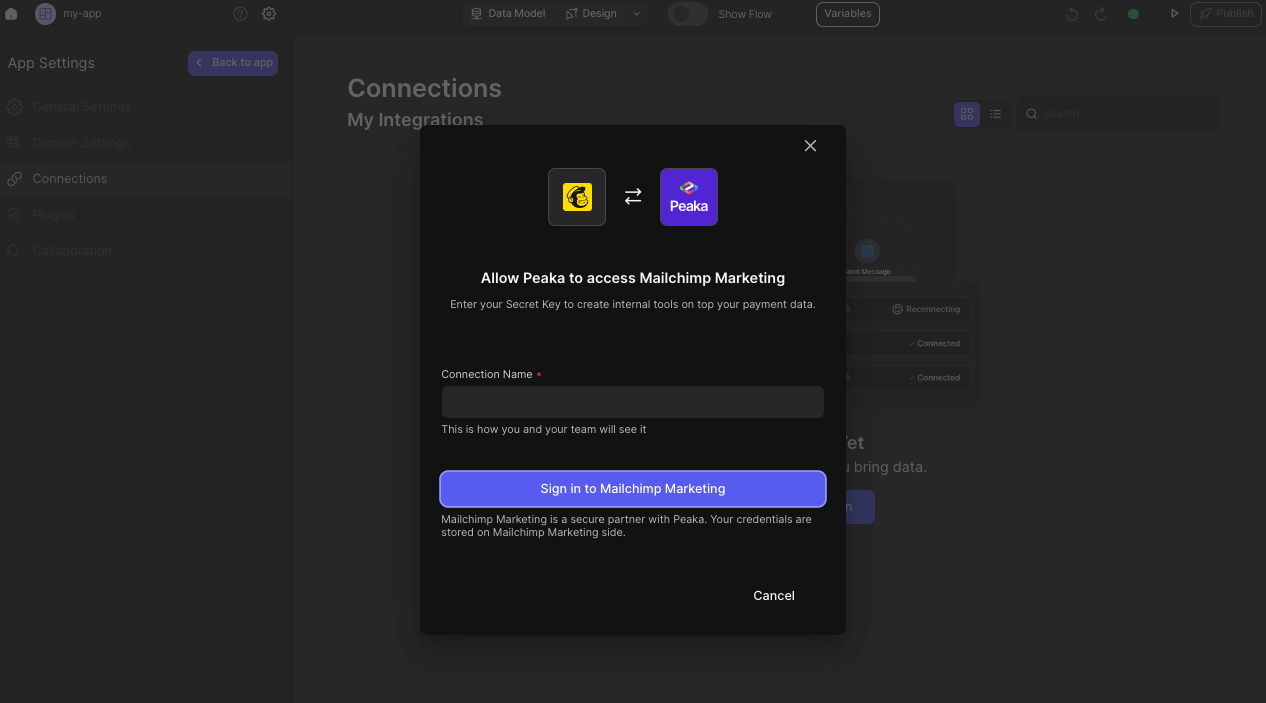
- Once clicking, it will open a modal for logging in to your Mailchimp account.
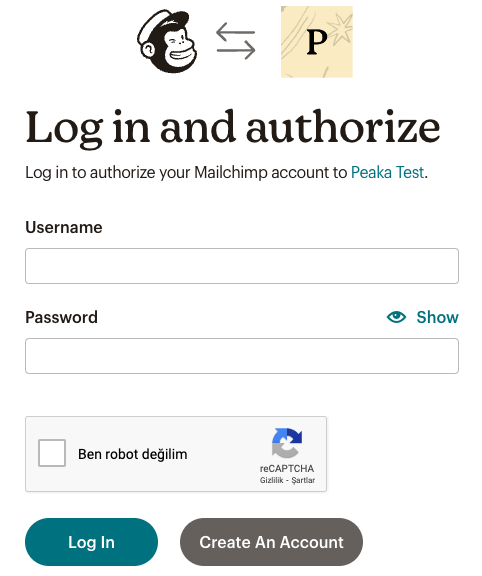
- In the Mailchimp login modal, enter your Mailchimp credentials
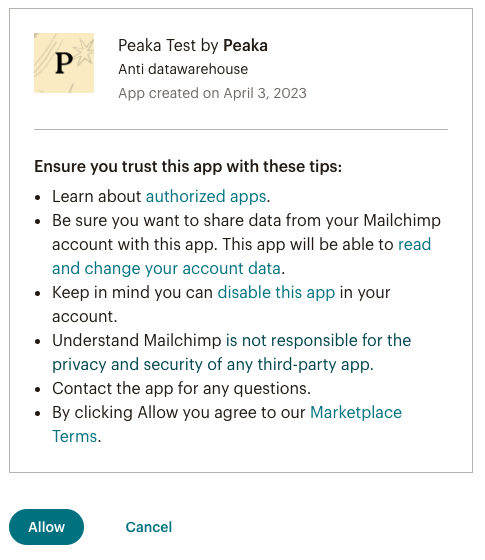
- After logging in, you will be asked to allow Upsolve access to your Mailchimp Marketing account. Click the “Allow” button to proceed.
 Congratulations! You’ve successfully connected Mailchimp Marketing to Upsolve. You can now access and manage your Jira data seamlessly within the Upsolve platform.