

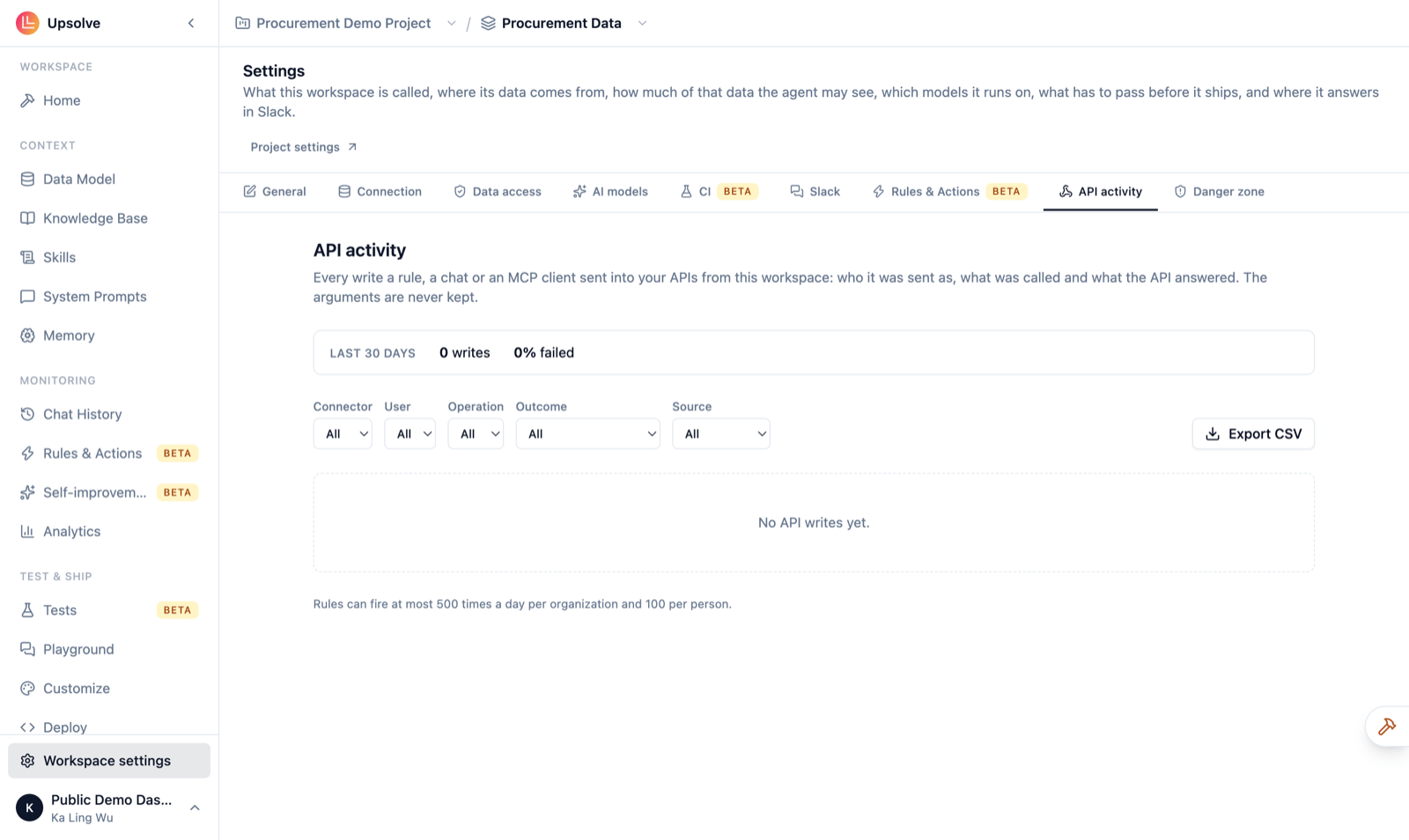
What is recorded
Every write sent to one of your APIs from this workspace, from three sources:- Chat: a write the agent prepared in a conversation and the person confirmed. Writes the person cancelled are recorded too.
- Rule: a rule whose action calls your API.
- MCP client: a call from Claude or another MCP client.
The summary
The strip at the top covers the last 30 days: how many writes were sent (and how many cancelled), what share of them failed, and the three operations called most.The table
Narrow the list with the Connector, User, Operation, Outcome and Source filters, and use Load more to go further back.
Export
Export CSV downloads the rows matching your filters, up to the newest 5,000.Who can see it
Owners, admins and members of the workspace. Read-only members and end users can’t.Next steps
API connectors
Connect your API and choose which endpoints the agent may call.
Rules & Actions Monitoring
Every rule in the workspace and every run.