

- Owner or admin role in your Upsolve organization.
- A GitHub repository holding a dbt project (
dbt_project.yml), and permission to install a GitHub App on it. - A connection in your Upsolve project to the warehouse your dbt project builds into. See Data Connection if you don’t have one yet.
- GitHub Actions enabled on the repository: the sync reads what an Actions run produces.
dbt-mysql has no release for dbt 1.9 or later, which the sync needs.
Every one of these syncs your models, descriptions, prompts, skills and knowledge base. Answering from your MetricFlow metrics needs a warehouse MetricFlow can compile for, which is fewer of them.
1. Create the workspace
In your project, click New workspace and choose From a dbt repository.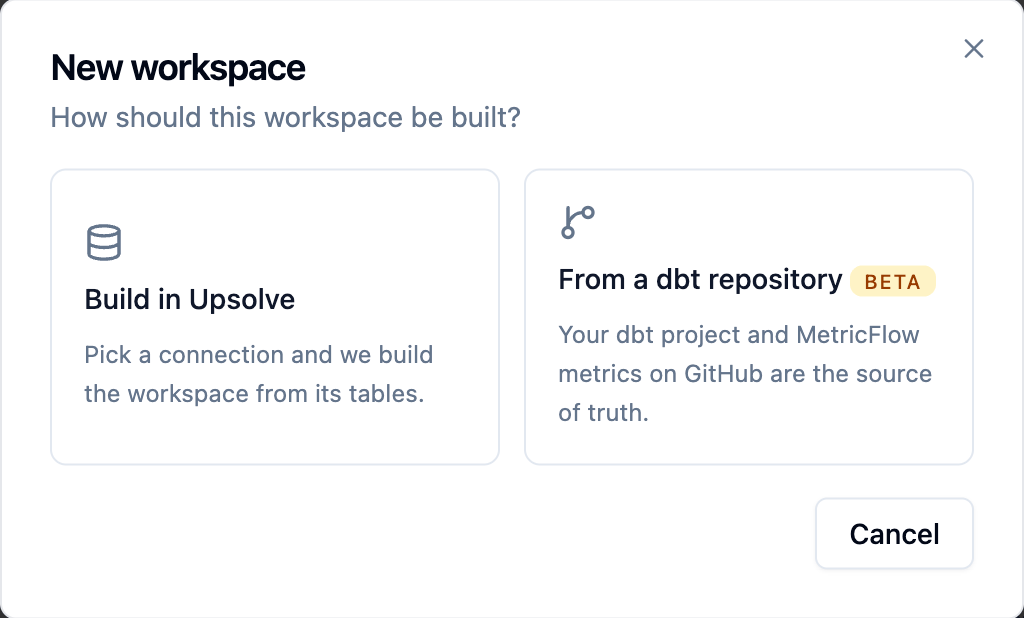
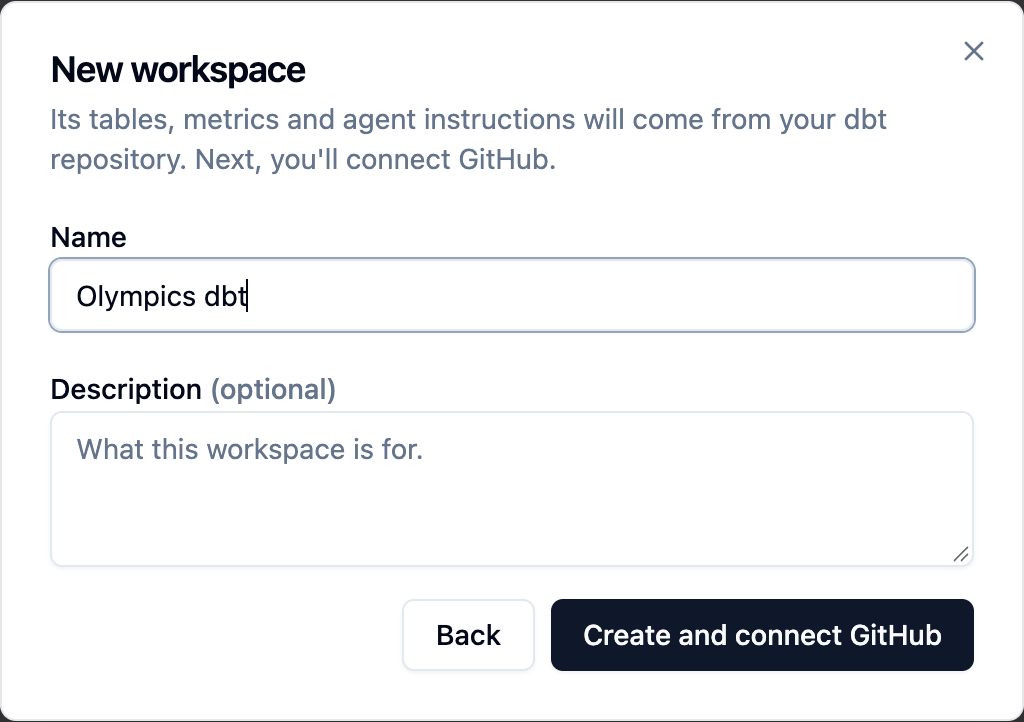
2. Repository and branch
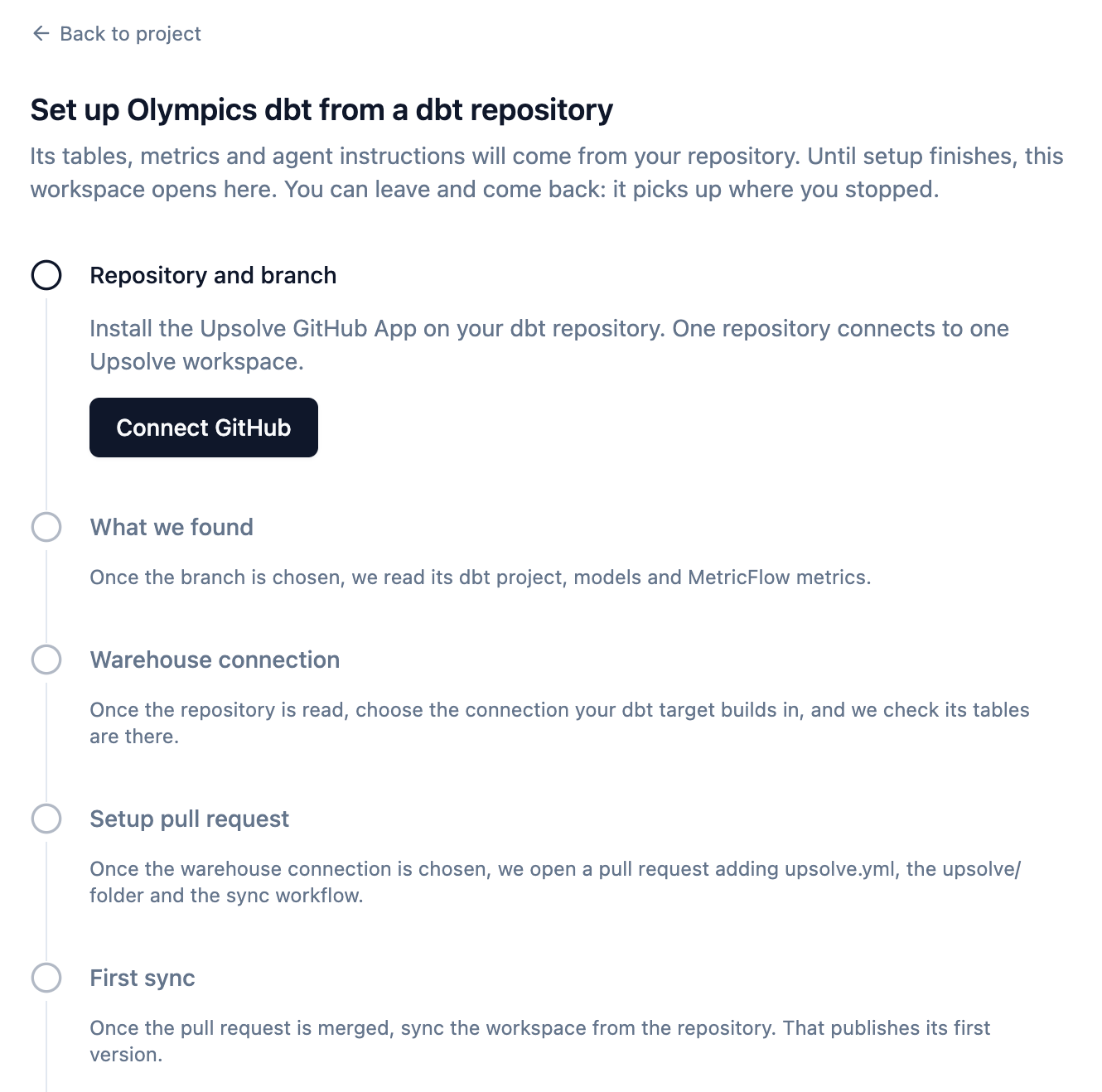
Click Connect GitHub. GitHub asks you to sign in, then to install the Upsolve GitHub App (listed on GitHub as Upsolve Context Sync) and choose which repositories it may see. You return to the setup page afterwards. If the App can see several repositories, pick one. dbt projects are listed first. A repository another workspace already listens to shows which workspace and branch — you can connect a second workspace to it on a different branch (for examplestaging beside main).
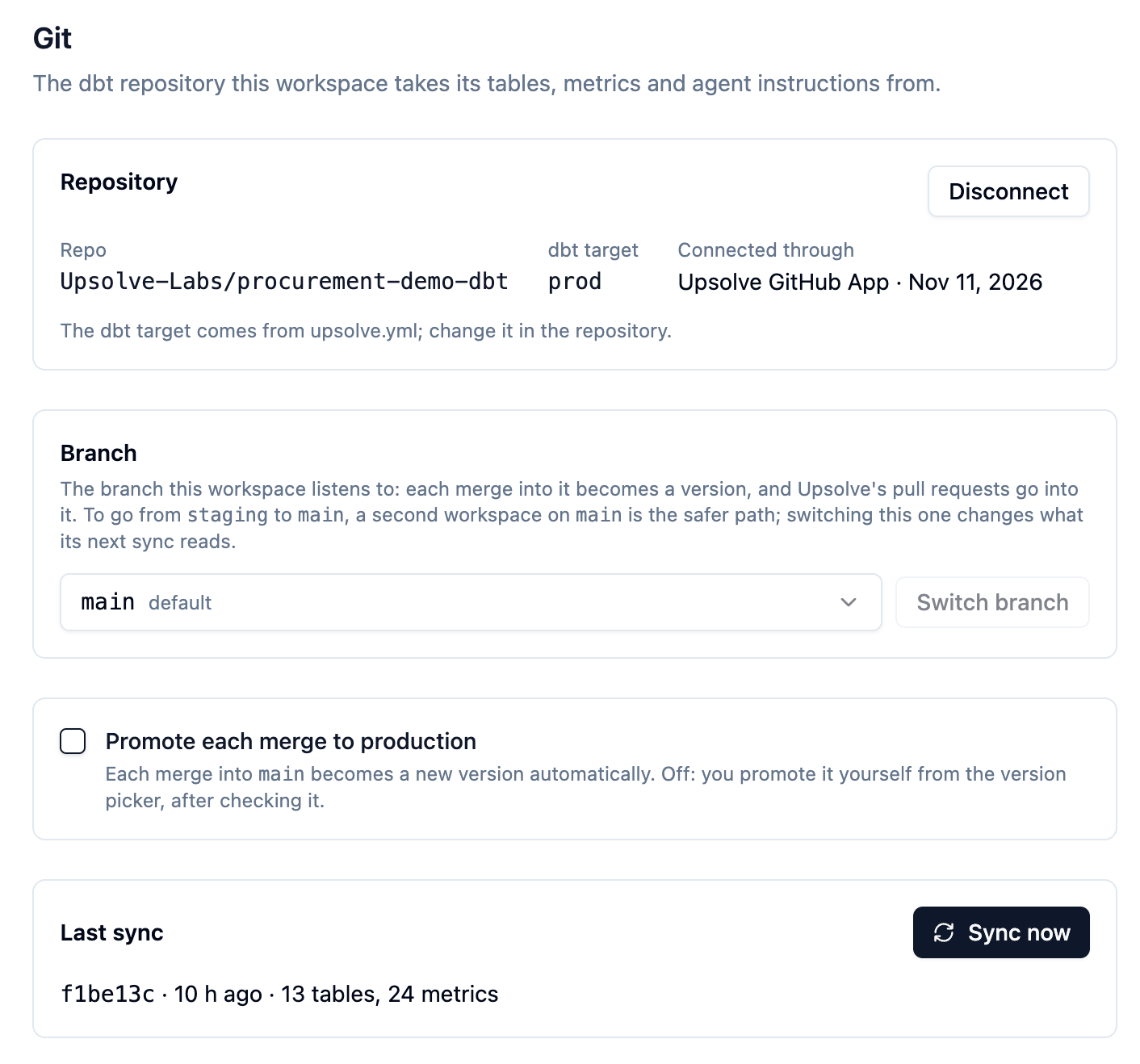
Then choose the branch the workspace listens to. Its merges become workspace versions, and the Builder Agent’s pull requests go into it. It defaults to the repository’s default branch.
The App asks only for what a sync needs: to read the repository’s contents and its Actions artifacts, and to open pull requests (the setup pull request, and changes you ask the Builder Agent to propose). It is given no warehouse credentials and never runs your models.
3. What we found
Upsolve reads the repository’s default branch and shows what it found: the dbt project and its profile, its models, and its semantic models and metrics. It is a quick read of the files as written, so you can confirm Upsolve found the right project;dbt parse in your own CI stays the source of truth for every sync.
4. Warehouse connection
Choose the connection your dbt project builds in. The workspace queries the tables dbt built through this connection, so it must point at the database and schemas of the target you sync (usuallyprod). Upsolve checks that the models’ tables are there.
5. Setup pull request
Click Open pull request. Upsolve opens one pull request into your branch that adds:
If the repository already has an
upsolve.yml or upsolve/prompts/system.md, the pull request leaves it alone. Every other file in the table is written whether or not it exists, so review the pull request’s diff before merging: it replaces an existing .github/workflows/upsolve-sync.yml, and any sql.md, chart.md, skill or knowledge file at the same path as one the workspace holds.
Because the pull request carries what the workspace holds now, the first sync replaces nothing in the workspace.
Review it like any other pull request and merge it. The setup page shows its status (Open — waiting to be merged, merged, or Closed without merging).
If you don’t commit a profiles.yml
Most teams don’t. dbt parse still needs a profile, so the workflow writes a stub one at run time: its credentials are placeholders, because parse never connects to your warehouse. Its database and schema are real, though — dbt writes them into the table names Upsolve syncs — and are set to what setup found in your warehouse connection.
To change them later, set the UPSOLVE_DBT_DATABASE or UPSOLVE_DBT_SCHEMA repository variable (Settings → Secrets and variables → Actions → Variables) on GitHub.
If your profiles.yml uses env_var()
Any env_var('X') with no default becomes an environment variable on the parse step, reading the repository’s Actions variable X when set and a placeholder otherwise. A credential can stay a placeholder. Set the variable for anything that names a database or schema, or the synced tables will be named after the placeholder.
6. First sync
Once the setup pull request is merged, wait for its Upsolve sync workflow run to finish on the branch (a minute or two, in the repository’s Actions tab), then press Sync now. The sync:- downloads the run’s
upsolve-syncartifact (dbt’smanifest.jsonandsemantic_manifest.json,upsolve.ymland theupsolve/folder), - enables exactly your dbt models as the workspace’s tables, with dbt’s descriptions,
- replaces the prompts, skills and knowledge base with the repository’s,
- publishes a new version and stores its MetricFlow metrics against it.
Troubleshooting a sync
A sync records its outcome on the workspace. A failure turns the sync chip at the top of the workspace to Sync failed; open it for the reason and what to fix.
Artifacts are kept for seven days, so a sync can only read a run from the last week. Push a commit (or re-run the workflow) to make a fresh one.